
Download the Official EyePTV App
Install EyePTV in a few minutes with the Downloader app. Enter our code, follow the on-screen prompts and sign in with the details from our support team. Installation depends on your device's compatibility.
See the EyePTV App
Live TV with a program guide, movie and series libraries, and simple playlist login, all in one app.
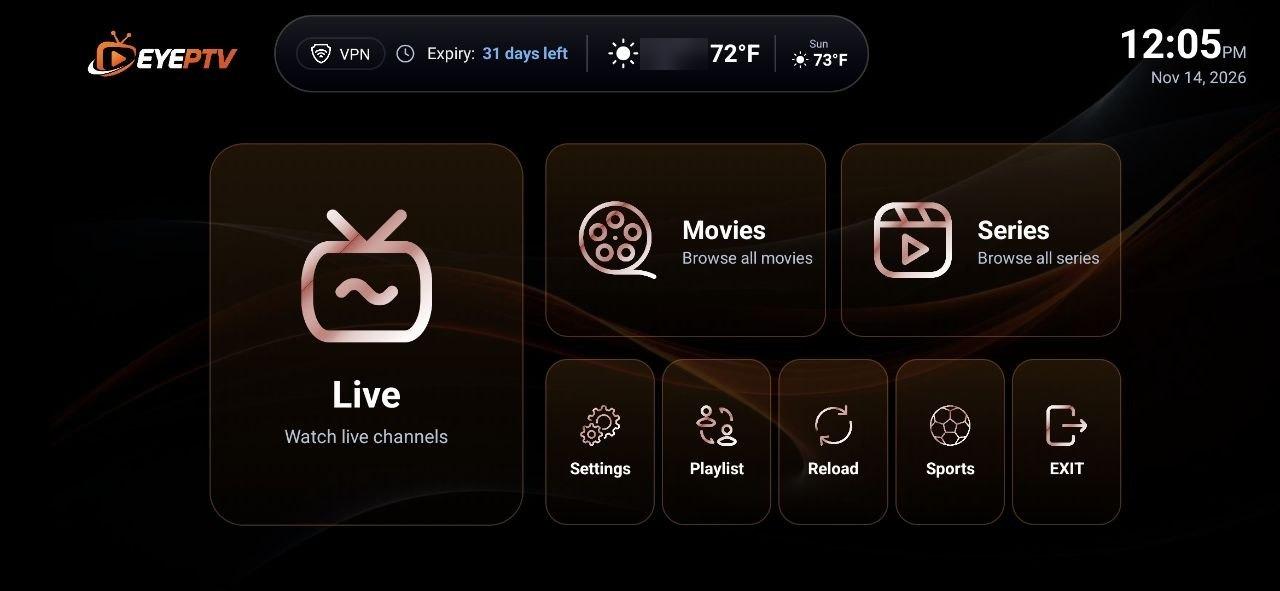
01 Home screen Jump straight into Live TV, Movies, Series or Sports from the main menu.
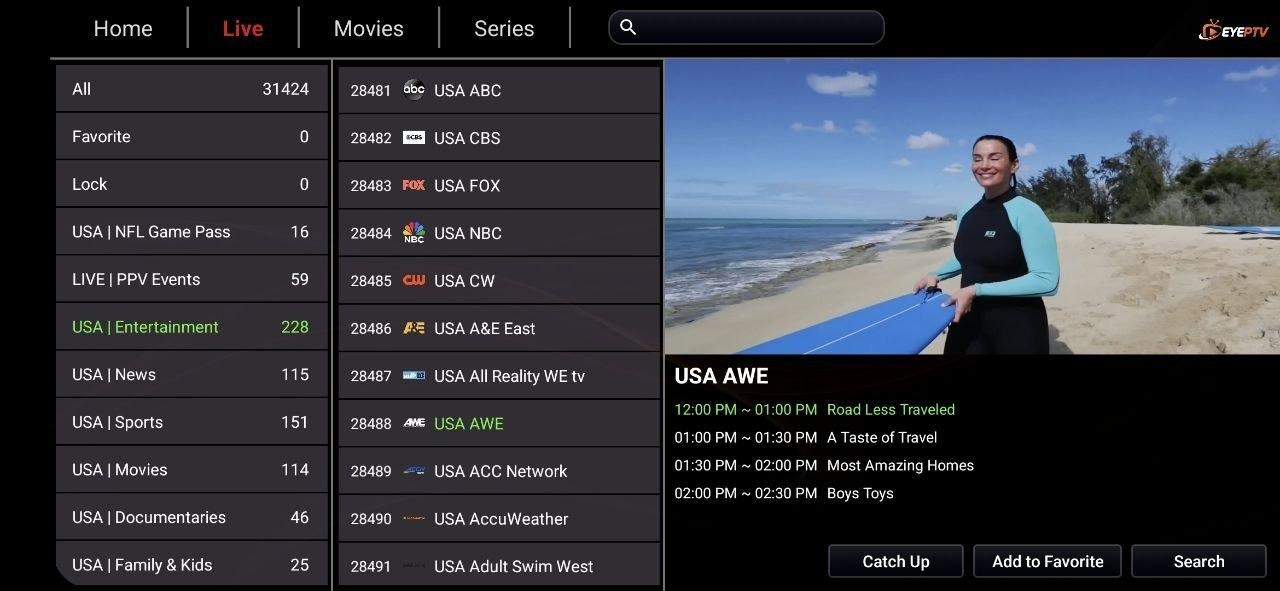
02 Live TV & TV guide Browse channel categories with a live preview and the program guide for what's on now and next.
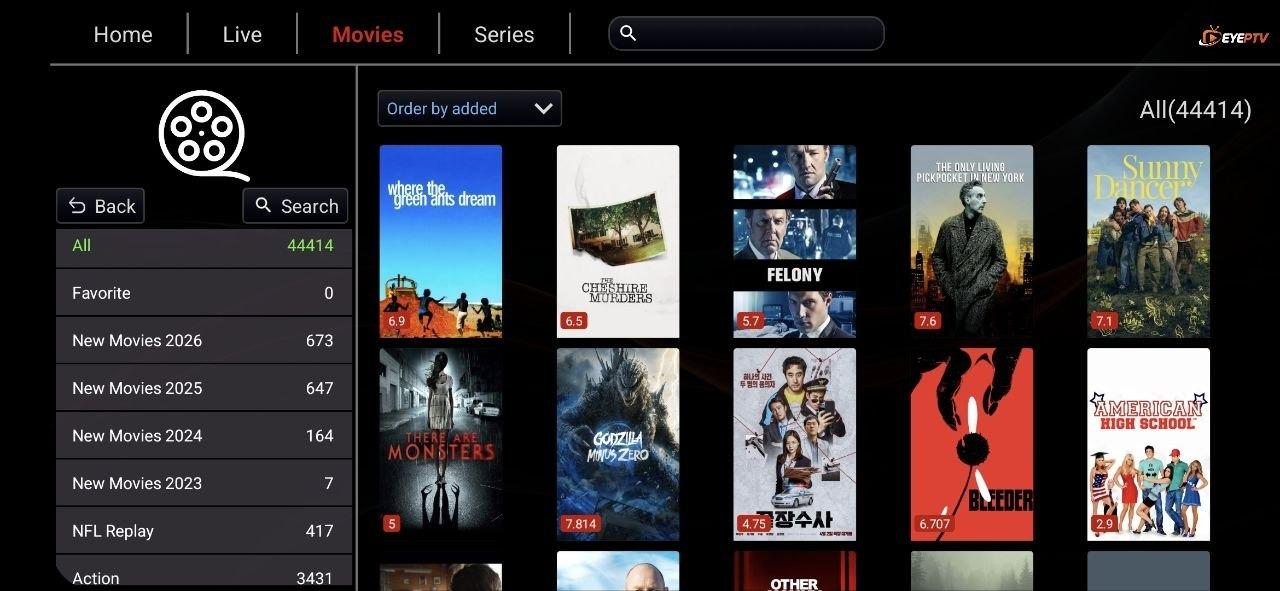
03 Movies Explore the on-demand movie library by category, year or search.
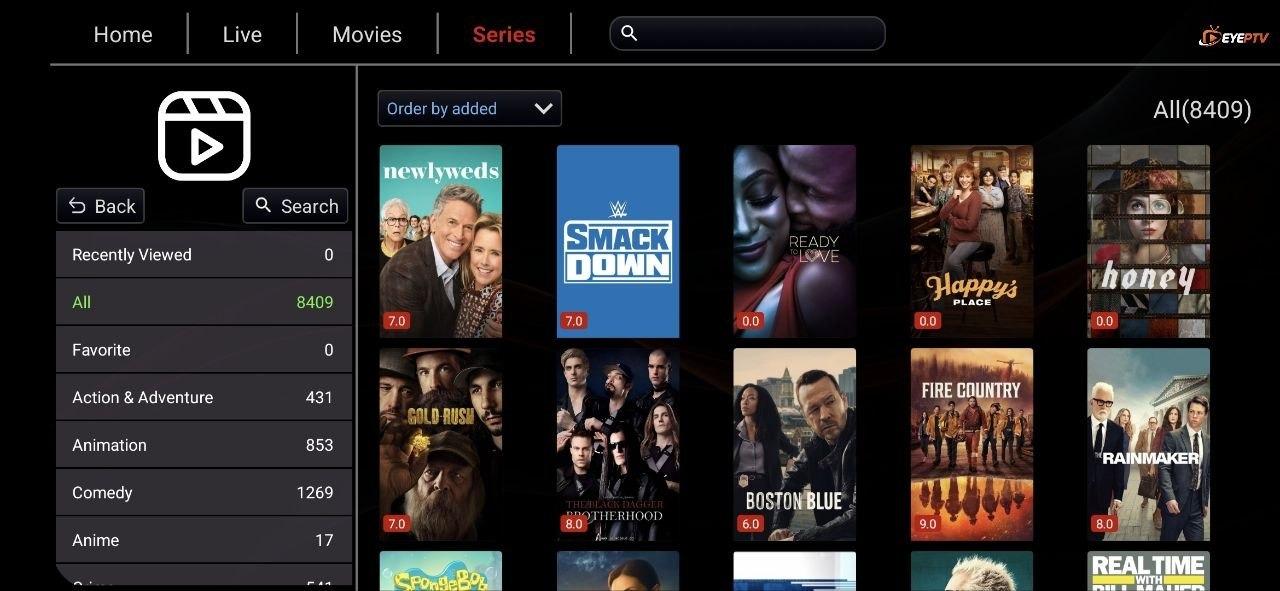
04 Series Find TV series by genre, sort by newest additions and pick up where you left off.
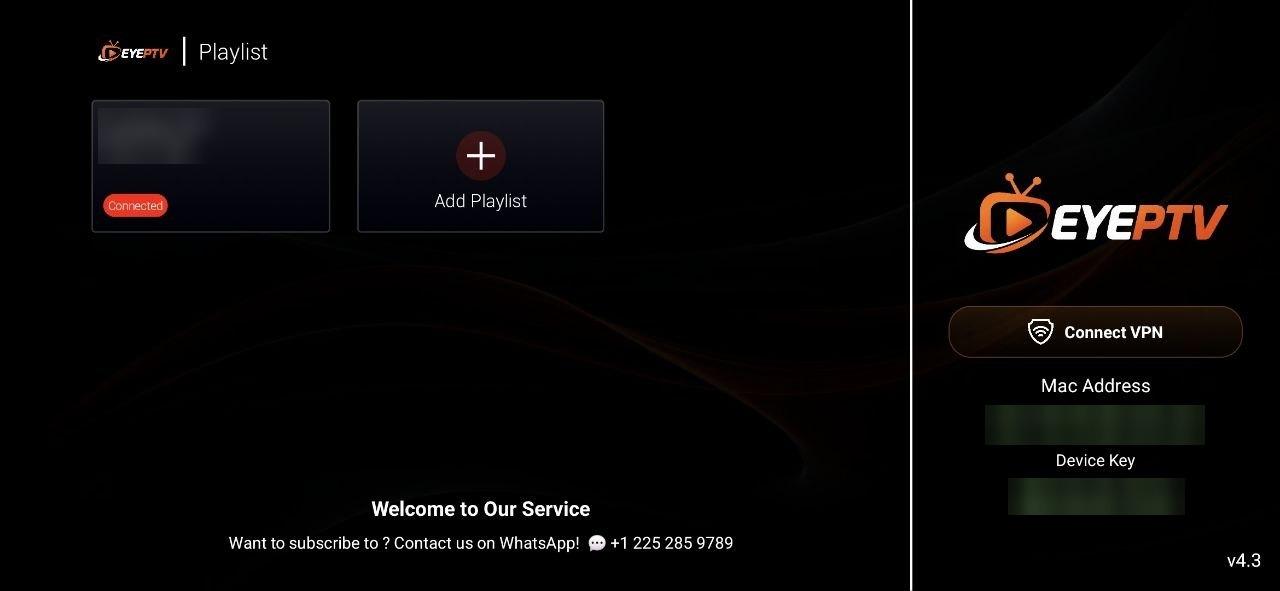
05 Playlist & login Add your EyePTV playlist using the login details provided by our support team.
Want a closer look at the library? Explore movies & TV series
Install EyePTV in Five Steps
Follow these steps on a device that supports the Downloader app.
- 1
Step 1: Open the Downloader app
Launch the Downloader app on your compatible device.
- 2
Step 2: Enter code 4255592
Type the EyePTV Downloader code 4255592 into the URL or code field.
4255592
- 3
Step 3: Select download or install
Choose the download or installation option that Downloader presents.
- 4
Step 4: Follow the on-screen steps
Complete the installation prompts shown by your device.
- 5
Step 5: Open EyePTV and log in
Launch EyePTV and follow the login instructions provided by our support team.
Device compatibility: the EyePTV app isn't available on every device. Installation through Downloader depends on your device supporting the Downloader app and third-party app installation. Not sure about yours? Message our team before you start, or see our supported device categories. You can also use your EyePTV login with one of our compatible IPTV apps.
Stuck During Installation?
Our support team can walk you through installing and logging in to EyePTV, step by step.
Contact us on WhatsApp
Send us a message with your device model and where you got stuck, and we'll help you finish the setup.
+1 225-285-9789 Chat on WhatsAppContact us on Telegram
Open our support chat and tell us what you need help with.
@Xtreamtech
Chat on TelegramDon't have an EyePTV subscription yet?
Request a free trial to get login details for the app, or choose a subscription plan.